Explore checkers, demos and evaluation routes →
Summarize this page with
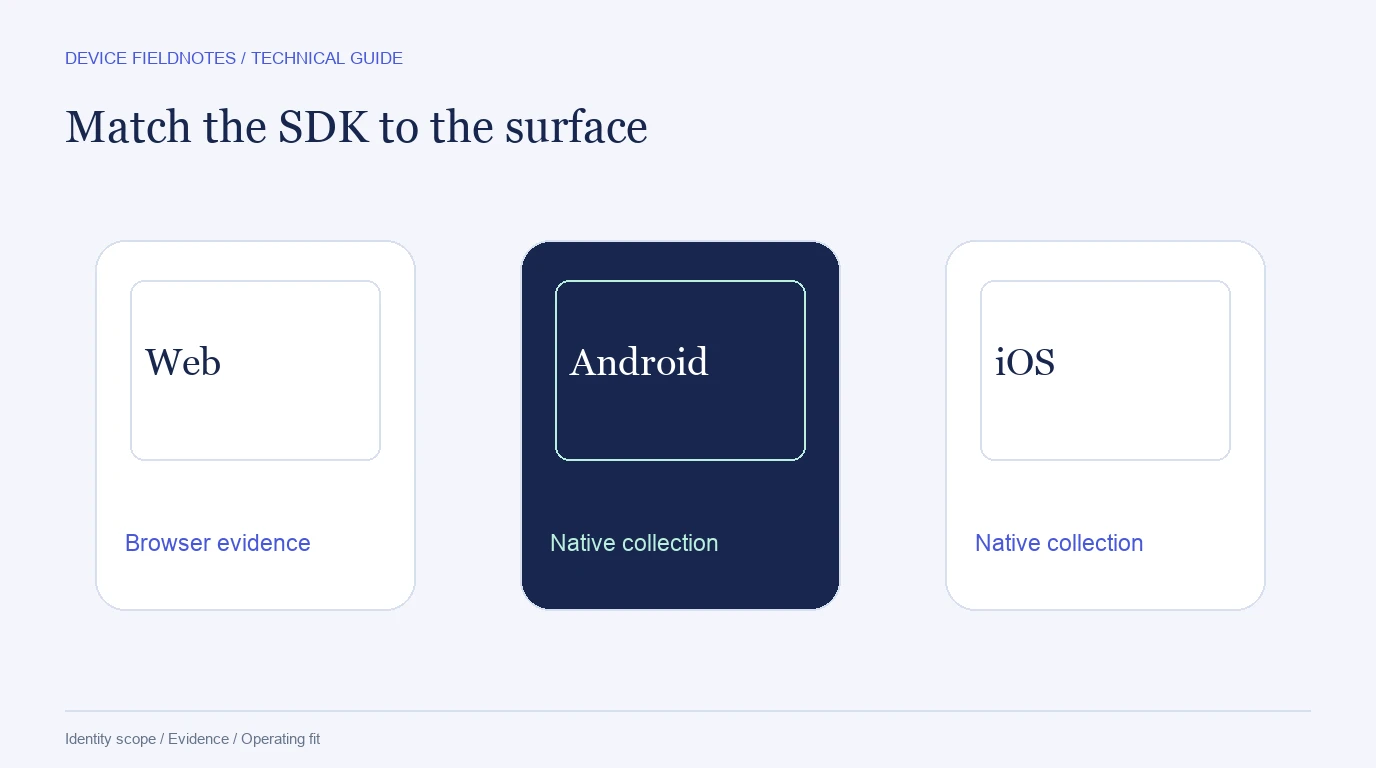
Web and native mobile device intelligence share a recognition goal but use different collection surfaces. A browser script, an Android SDK and an iOS SDK do not expose identical evidence. Compare the exact surface and product entitlement before treating a vendor's mobile label as proof that every device signal exists everywhere.
- 1Name the surface
- 2Check available evidence
- 3Keep account identity distinct
Distinguish mobile web from a native app
Mobile web runs inside a browser and inherits that browser's collection and privacy behavior. A native SDK runs inside the application and can use supported platform interfaces under its own integration requirements. An embedded webview is another environment to test, especially if navigation or storage behaves differently from a full browser.
| Surface | Integration to inspect | Questions to ask |
|---|---|---|
| Desktop web | Browser script or client SDK | Does the result survive ordinary browser updates and storage changes? |
| Mobile web | Browser integration on real phones | Are required rendering and network signals available on the target browsers? |
| Native Android | Supported Android SDK | Which integrity, emulator and tampering fields are returned? |
| Native iOS | Supported iOS SDK | Which platform-specific identity and integrity fields are available? |
| Embedded webview | App and webview integration | How are events associated with the surrounding authenticated account? |
| Server backend | Trusted result retrieval | Can it validate the collected assessment and bind it to the action? |
Do not call server retrieval a server-only physical-device detector. The backend can verify or fetch a result collected on the client without having observed all client attributes itself.
Device recognition and integrity are separate outputs
Recognition links observations within the product's scope. Integrity describes conditions such as environment tampering, emulation or modified app behavior. A recognized device can have a changed integrity assessment; a new installation can be legitimate. Keep the returned identifier and integrity fields separate in the application model.
Native integrity signals also vary by platform. Rooted Android and jailbroken iOS are related operational concerns but not the same field or test. A browser's incognito or anti-detect condition is a different kind of evidence again. Inspect the response schema rather than relying on a single marketing checklist.
Compare the product paths in this ranking
Fingerprint publishes web and mobile identification along with platform-specific Smart Signals. Access to additional signals depends on the plan, so test the field that matters on the exact SDK being considered. The Fingerprint review separates identity, signals and commercial access.
Incognia Device Intelligence describes mobile/app integrity and web/browser tampering coverage. Its current range should not be dismissed as mobile-only. Evaluate device recognition and the location-dependent parts of the deployment separately; the Incognia review explains the buyer questions.
ShieldLabs connects browser visits to Device ID and ready-made risk findings through supported client/server integrations. For a native deployment, verify the current SDK and returned fields in the documentation rather than inferring platform support from a desktop demonstration. Identification, device/network risk and account-level findings should remain visible together in the evaluation.
Link surfaces through accounts deliberately
A person using a web browser and a native app is not automatically one fingerprint. An authenticated account association can connect those activities without claiming that the underlying identifiers are identical. Preserve each device and session reference and record how the account link was established.
This matters for both legitimate multi-device use and account sharing. A customer moving from laptop to phone is an ordinary case. Several devices reaching one account might also be authorized within the product's policy. Choose the protected action and inspect account-level evidence before turning a raw device count into friction.
Build a platform evaluation set
Use real devices and operating-system/browser combinations that match the application population. Keep platform results separate: pooling strong desktop recognition with weak mobile-web collection can hide the segment that needs work. Include updates, permission changes, reinstall and missing SDK initialization where relevant.
Record the SDK version, response fields, assessment availability and the account event used for association. Confirm that a trial covers the relevant native or web product rather than only a sales demonstration. The integration guide gives a trusted event flow, and the accuracy guide defines comparable measures.
FAQ
Is a mobile browser the same as a mobile SDK?
No. Mobile web uses browser collection, while a native SDK runs within the application and has platform-specific capabilities and requirements. Evaluate them separately.
Can one device ID identify a person across all apps and browsers?
Do not assume that scope. Use the vendor's documented matching unit and an authenticated account association when the application needs to connect surfaces.
Which surface should be tested first?
Start with the protected flow and platform where incorrect decisions have the greatest cost. Then test other surfaces independently before combining results into an overall report.
Sources
- Fingerprint web/mobile plans
- Incognia Device Intelligence
- ShieldLabs Device Intelligence
- ShieldLabs documentation
Sources reviewed October 23, 2026.
Continue reading
- How device fingerprinting works: attributes, identity and risk
- Measure device fingerprint accuracy: recall, collisions and drift
- Device fingerprinting cost: free tools, API plans and total ownership
Compare all eleven tools or read the complete deployment guide.